Your to-do list grew today. Your real work didn't.
Zaphiri plans your day around your energy, connects it to your team's priorities and shows what actually happened, so important work gets your best hours.
See pricingFree Best Hours worksheetFor partners
The problem
You're not doing the work you should.
Your calendar is packed and your list overflows. At the end of the day, the strategic, creative work you planned for got pushed aside again. The problem isn't what you need to do. It's that your most important work never gets the time and energy it deserves.
Before you choose another planner
Five things your plan should account for.
Try them with a real day, in any tool. Notice which ones your current setup makes easy.
- 01 Your whole day, with privacy intact. Work and personal commitments compete for the same hours. In Zaphiri: Plan work and personal side by side. Teammates see the shared tasks you have planned, never your personal tasks or notes.
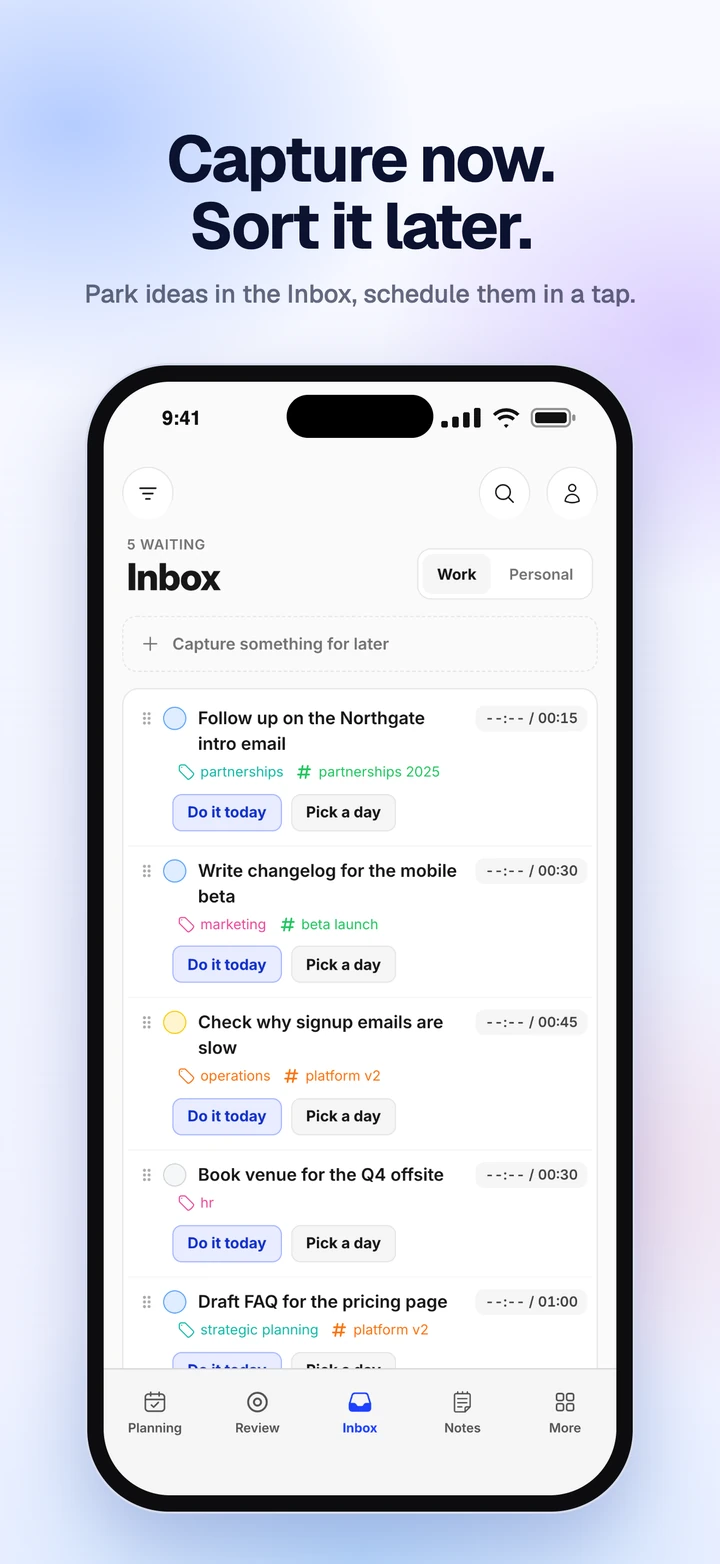
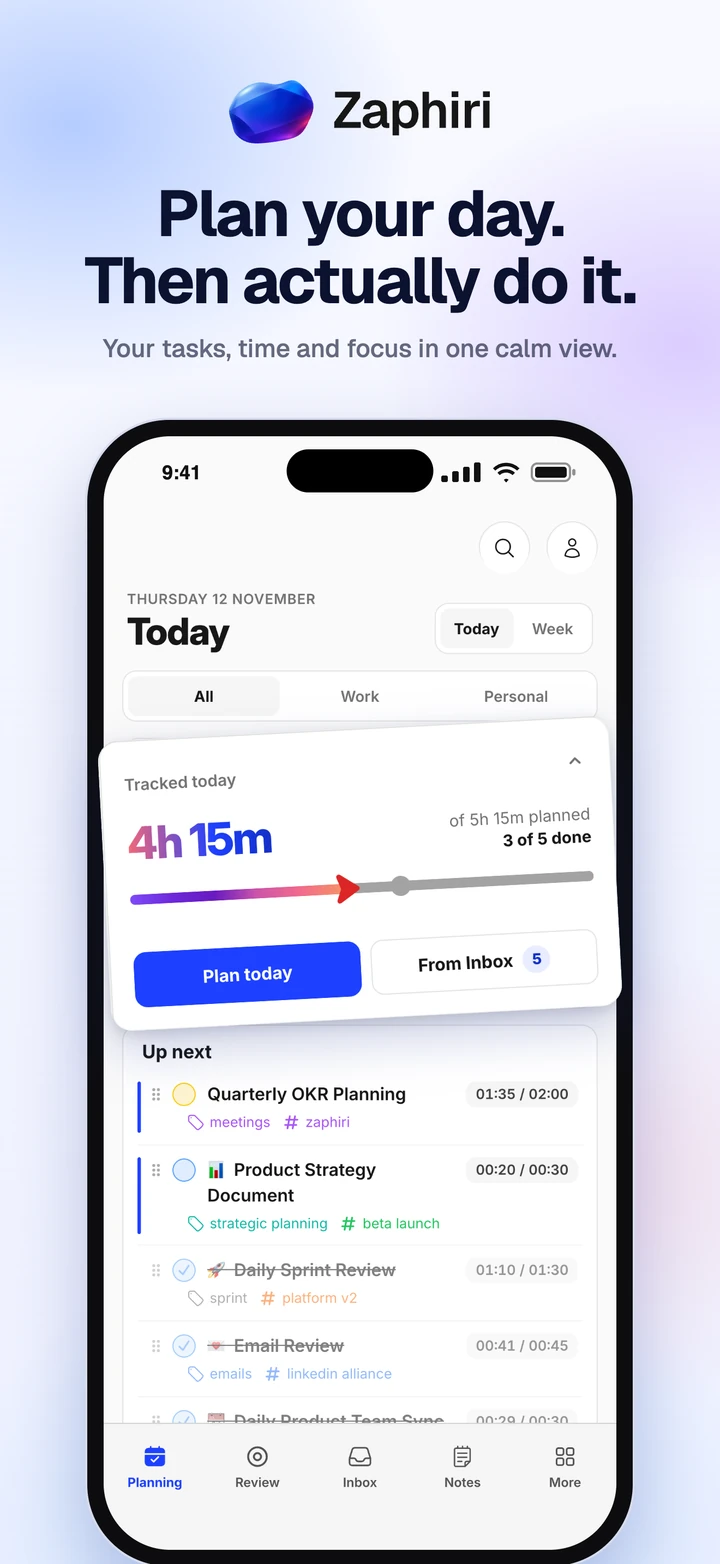
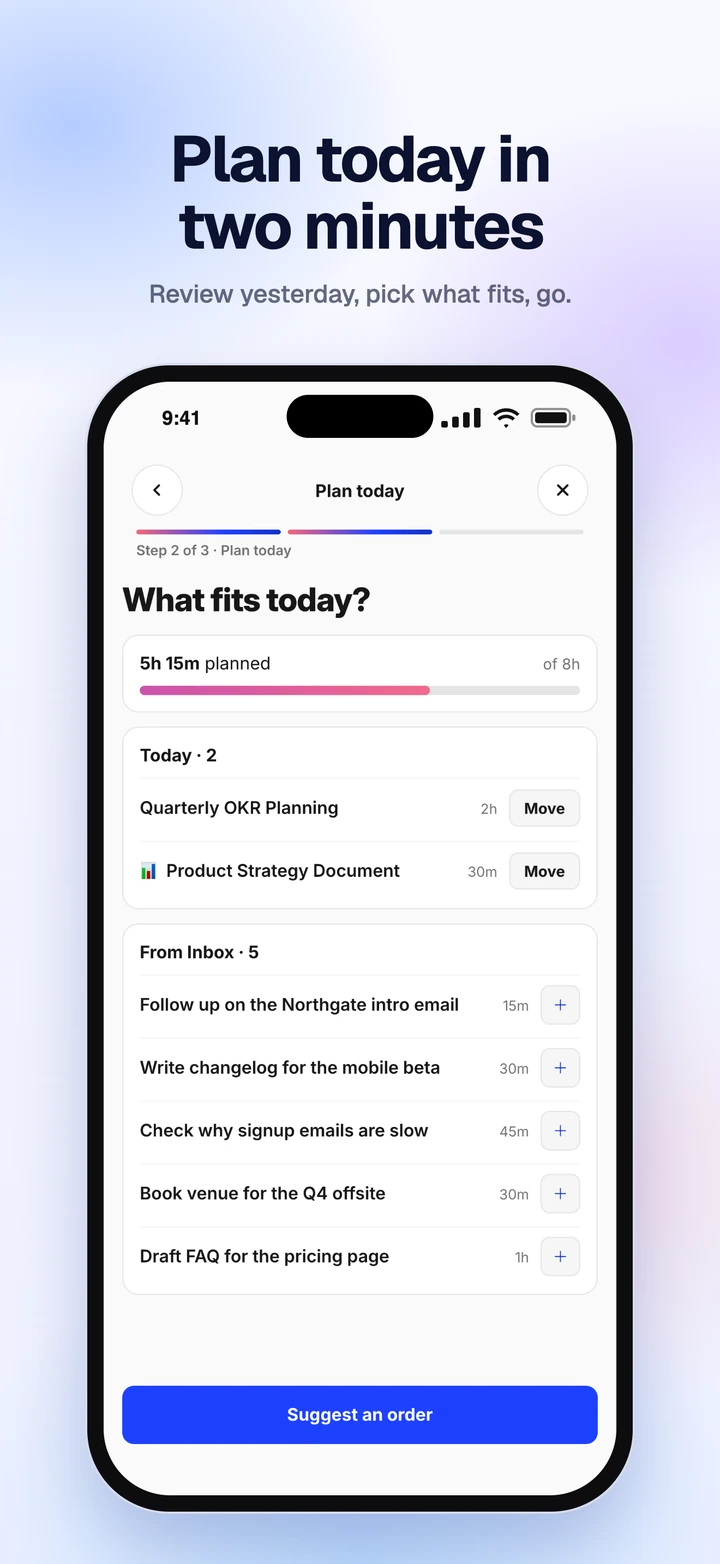
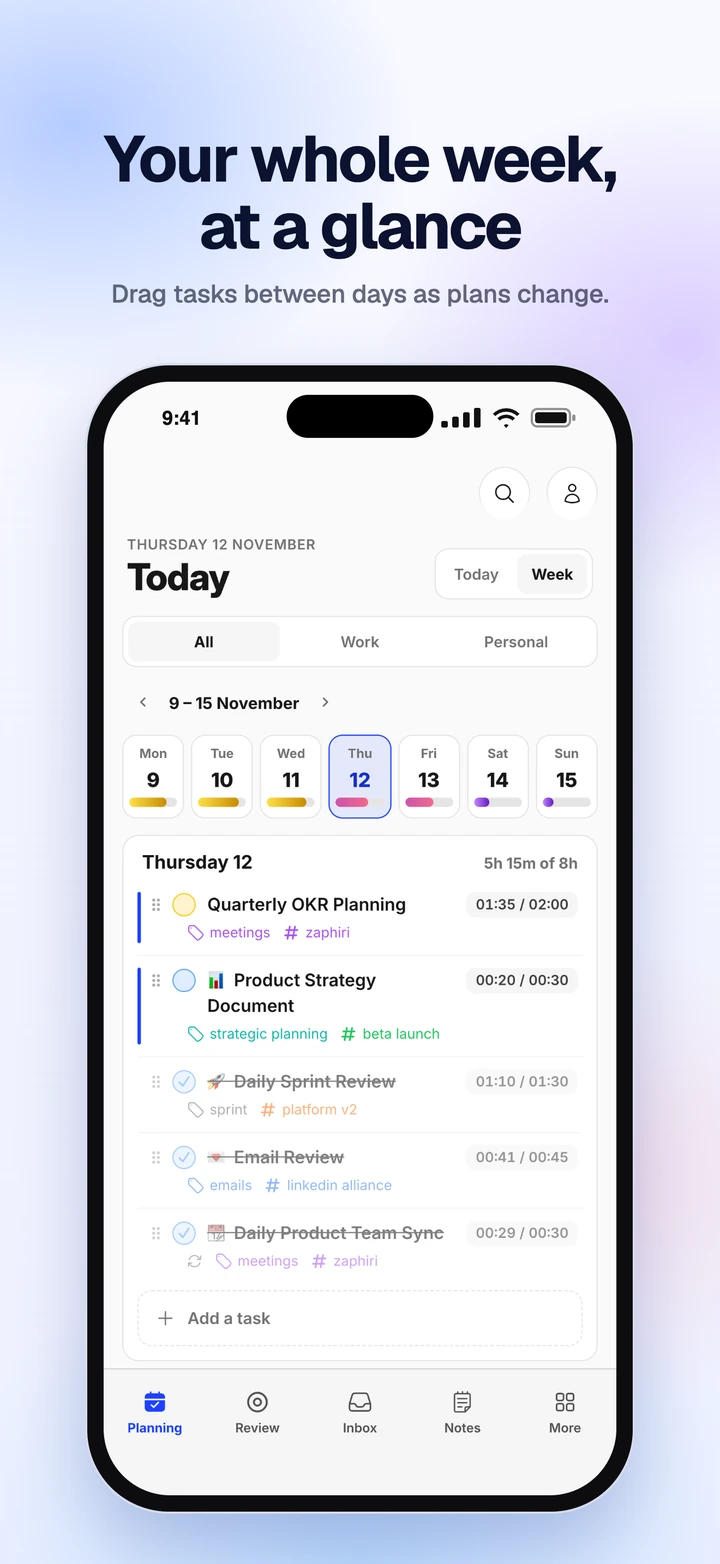
- 02 A realistic place for important work. A long list tells you what exists, not what fits. In Zaphiri: Daily Planning keeps the week in view, so you choose what fits around your calendar.
- 03 Shared work connected to your day. Being assigned a task does not create time to do it. In Zaphiri: Plan a team task into your day, and its status syncs back to the project.
- 04 The right work for your attention. An open hour may not suit demanding work. In Zaphiri: Zaphiri labels each task by energy and puts the demanding work first, ahead of what can wait.
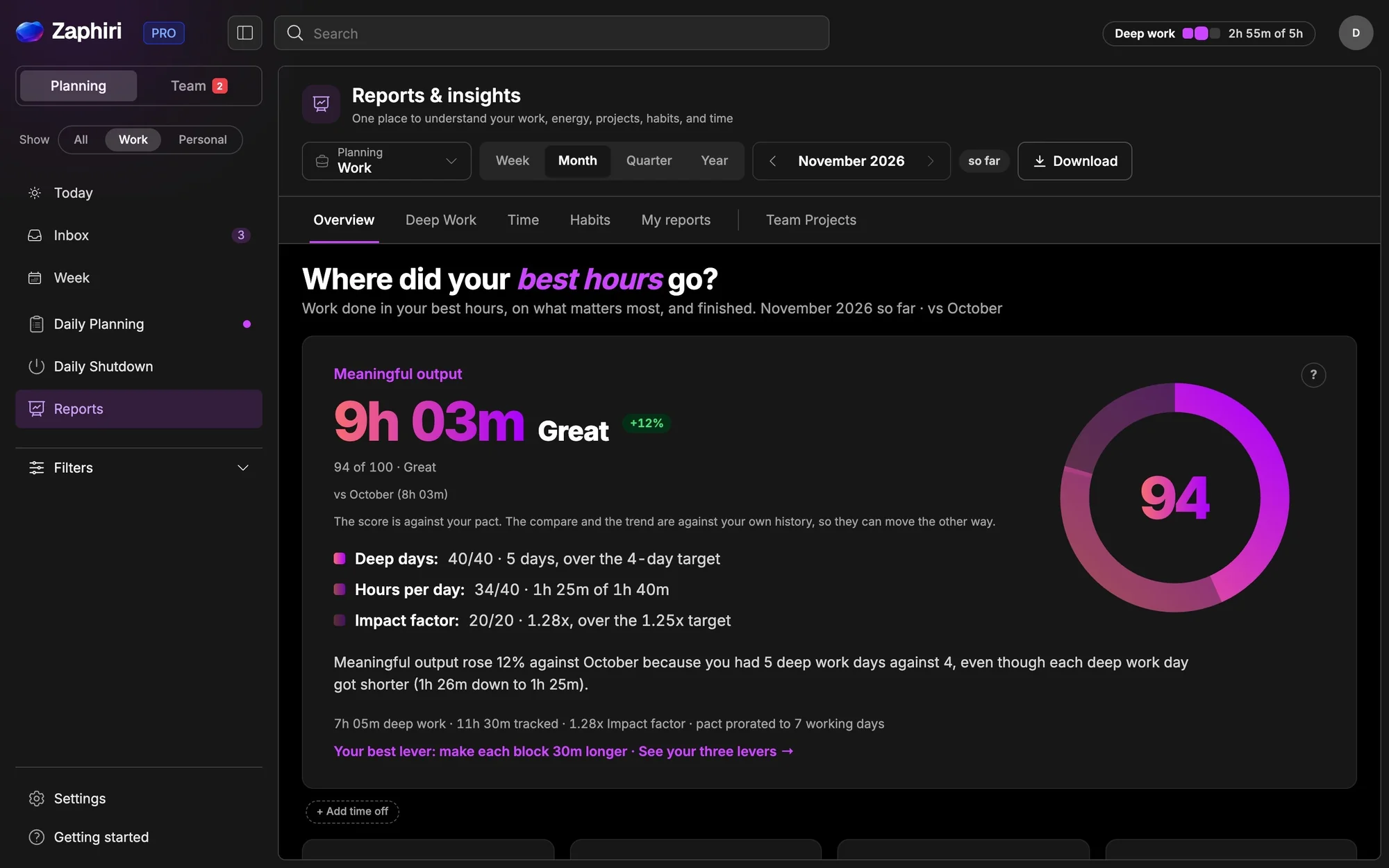
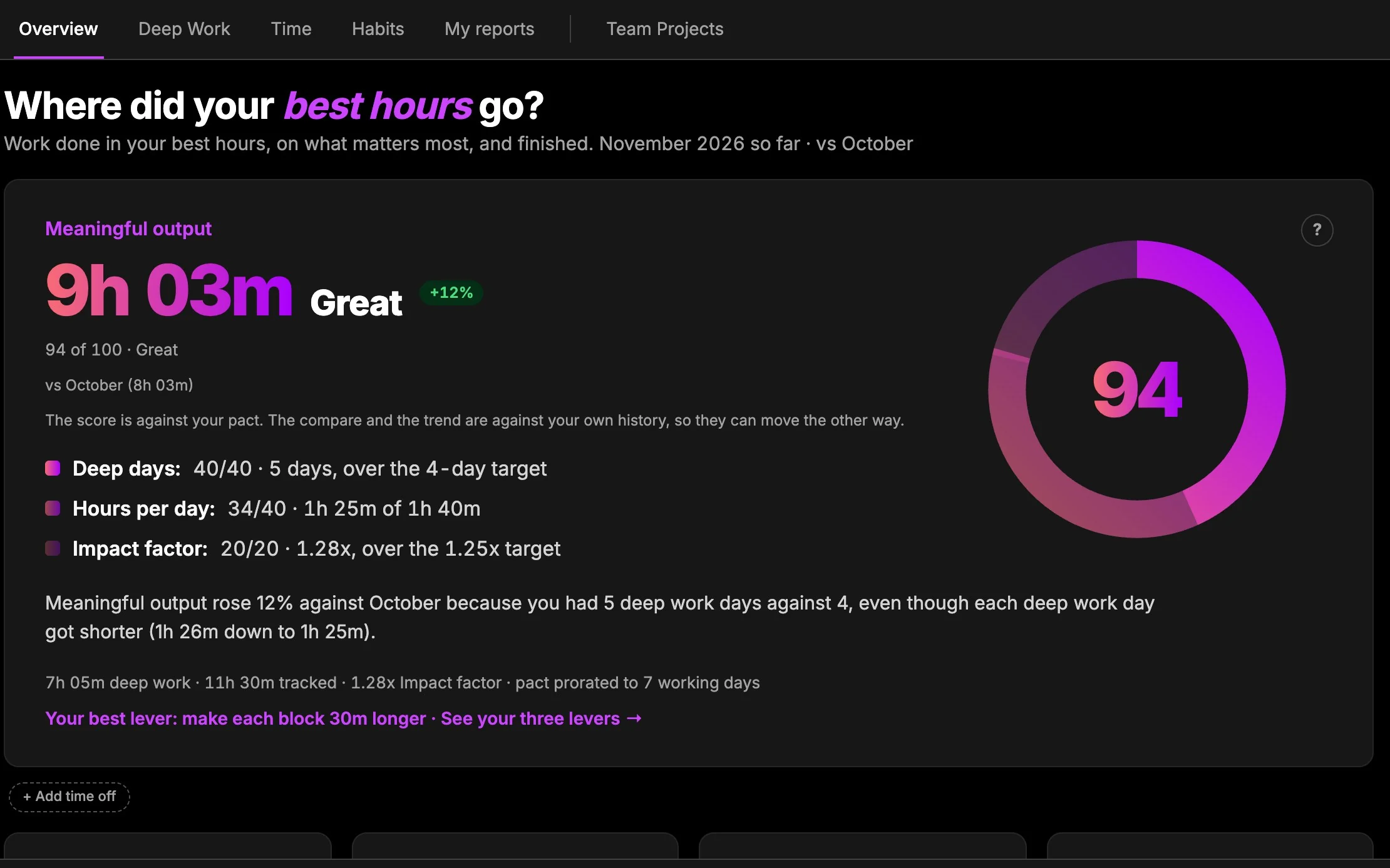
- 05 A way to learn from what happened. Estimates are optimistic and interruptions happen. In Zaphiri: Planned and tracked time feed your reports and Deep Work score, so next week fits better.
How it works
Four moves.
One calmer day.
Here is how Zaphiri answers those five checks, every day: capture everything, plan your day and week, let Zaphiri organize the day around your energy, then learn from what really happened.
Energy-based planning
Your brain has rhythms. Your planner should respect them.
Not every hour is equal. Zaphiri labels each task with the energy it needs. Tap the Optimize my day button and Zaphiri reorders your plan so demanding work comes first and the rest fits around it. You can change any label in one tap.
One place for the whole day
Everything that needs you, in one view.
Keep your email and calendar. Zaphiri gathers the work that needs your action, with your notes, habits, time tracking and reports beside it, so you can see what matters and do it first.
Make it yours
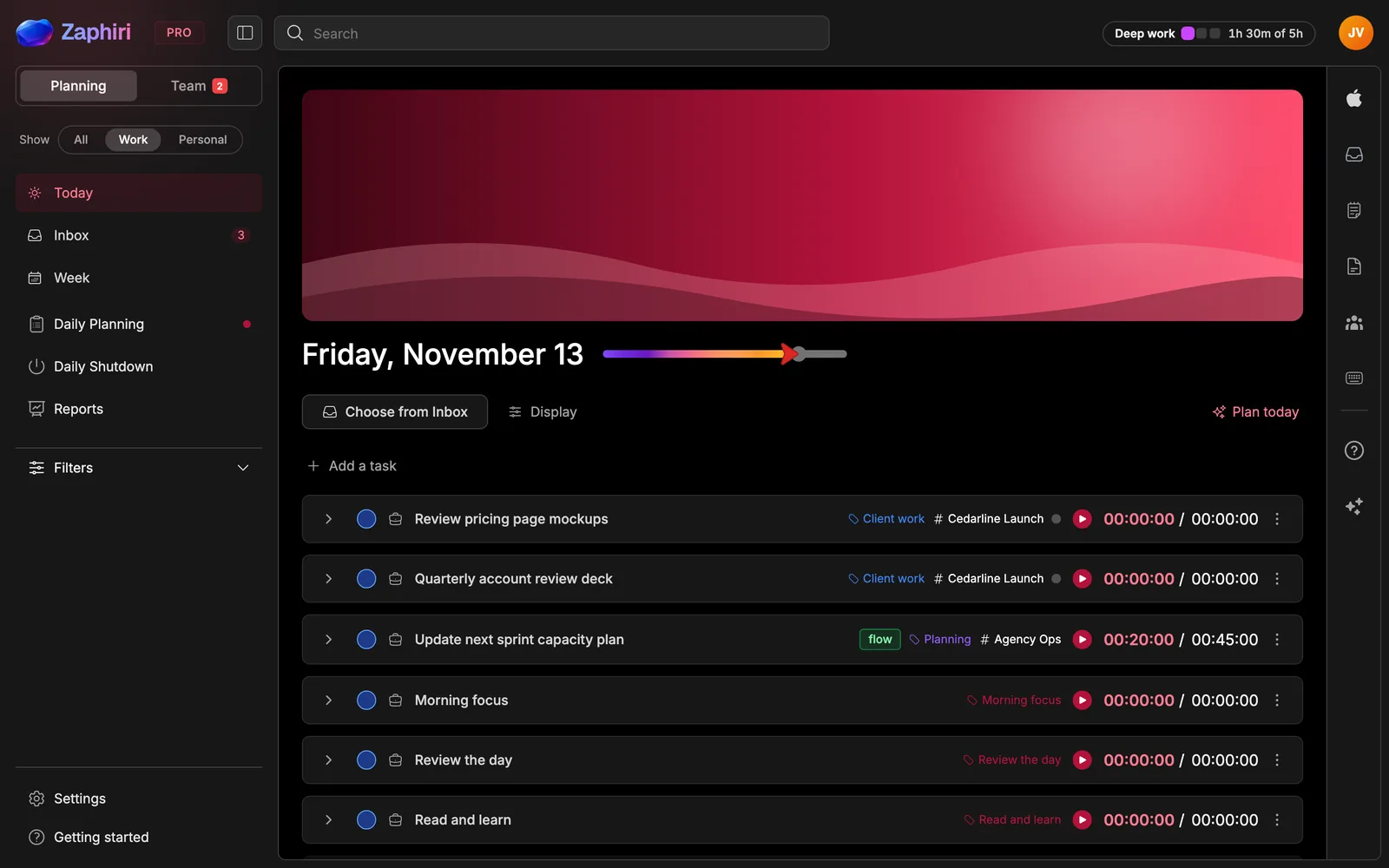
Not a fan of blue?
Pick an accent colour, choose how deep it runs, set light, dark or mixed mode, then give your day a cover.
Sapphire · Light mode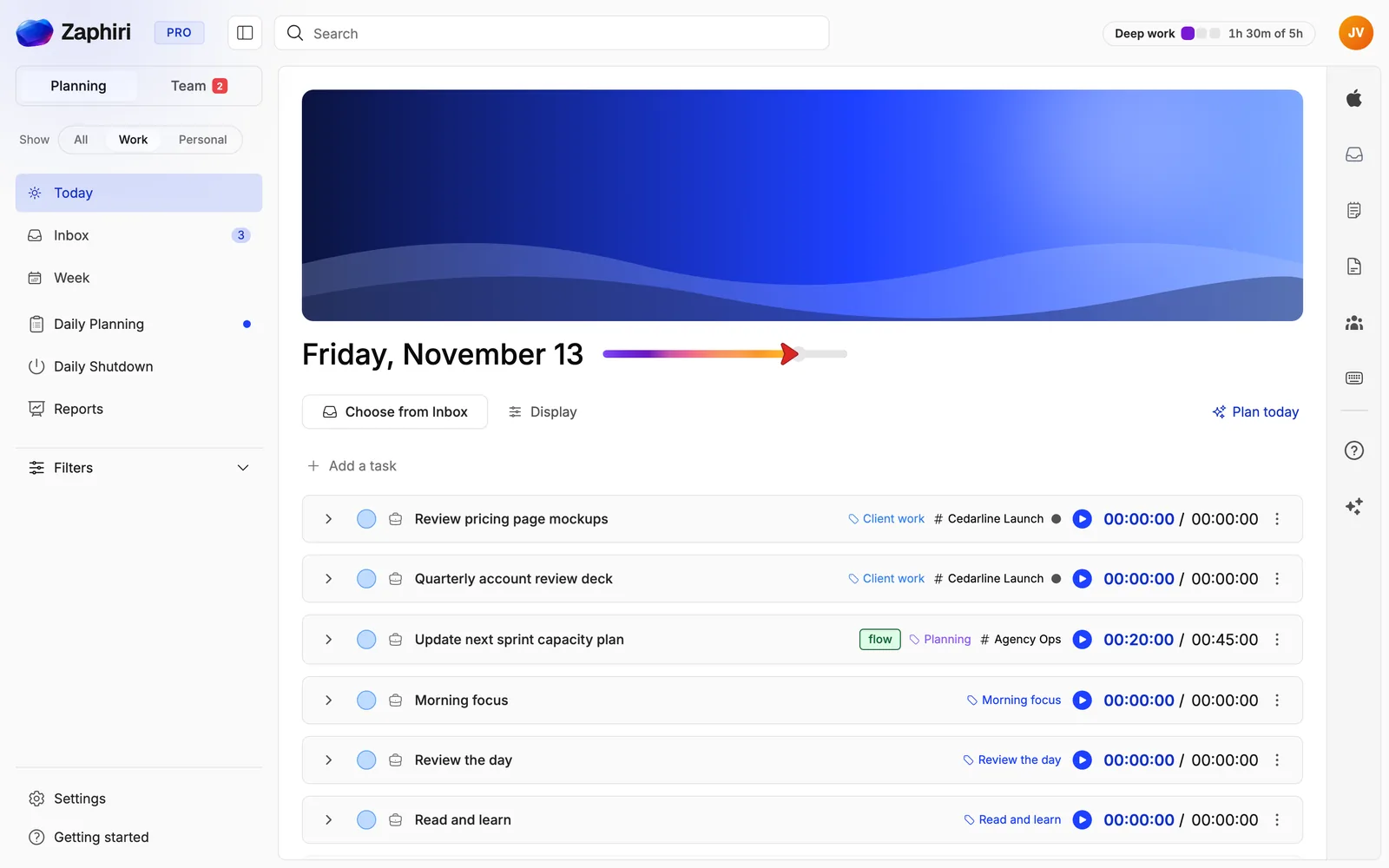
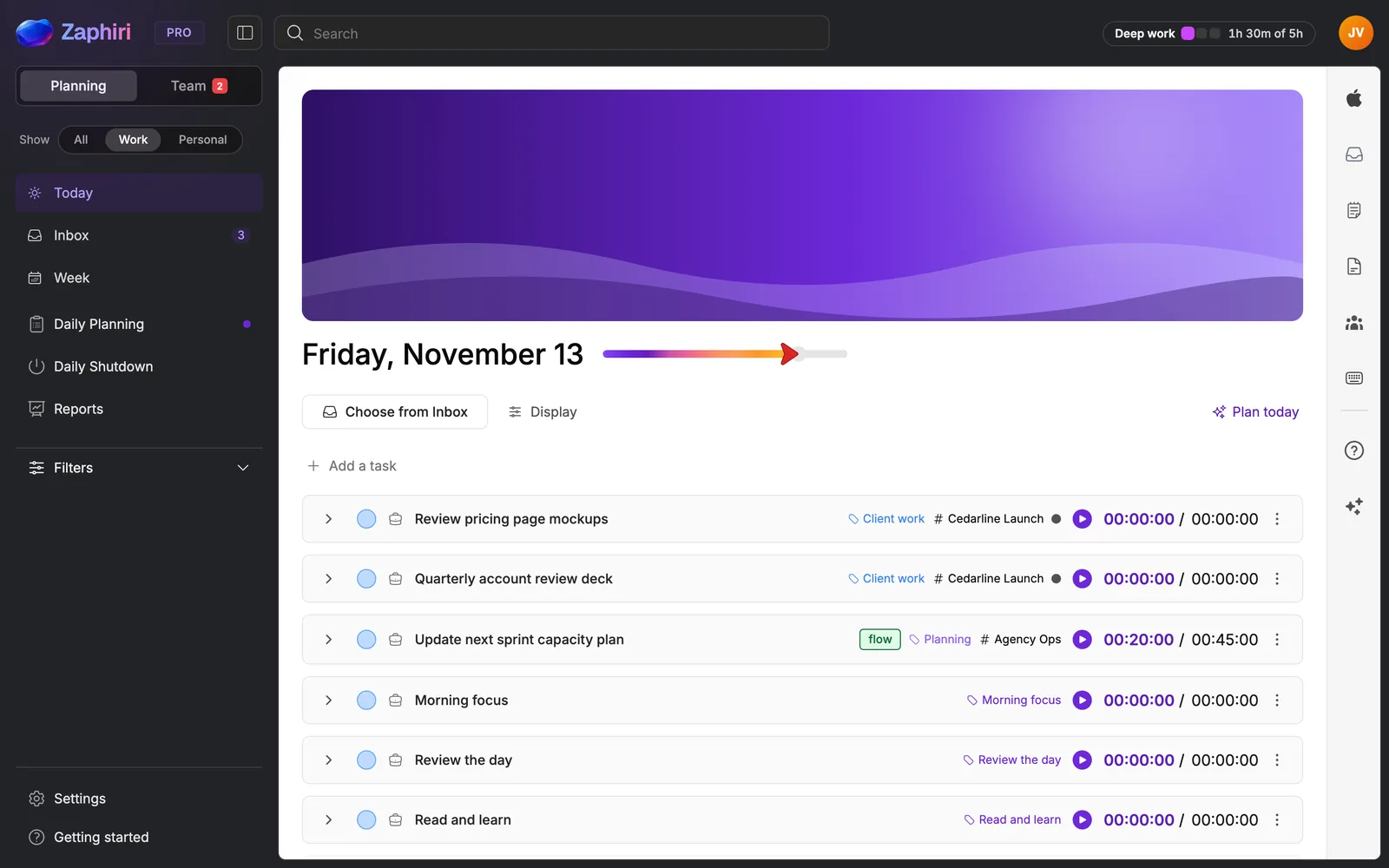
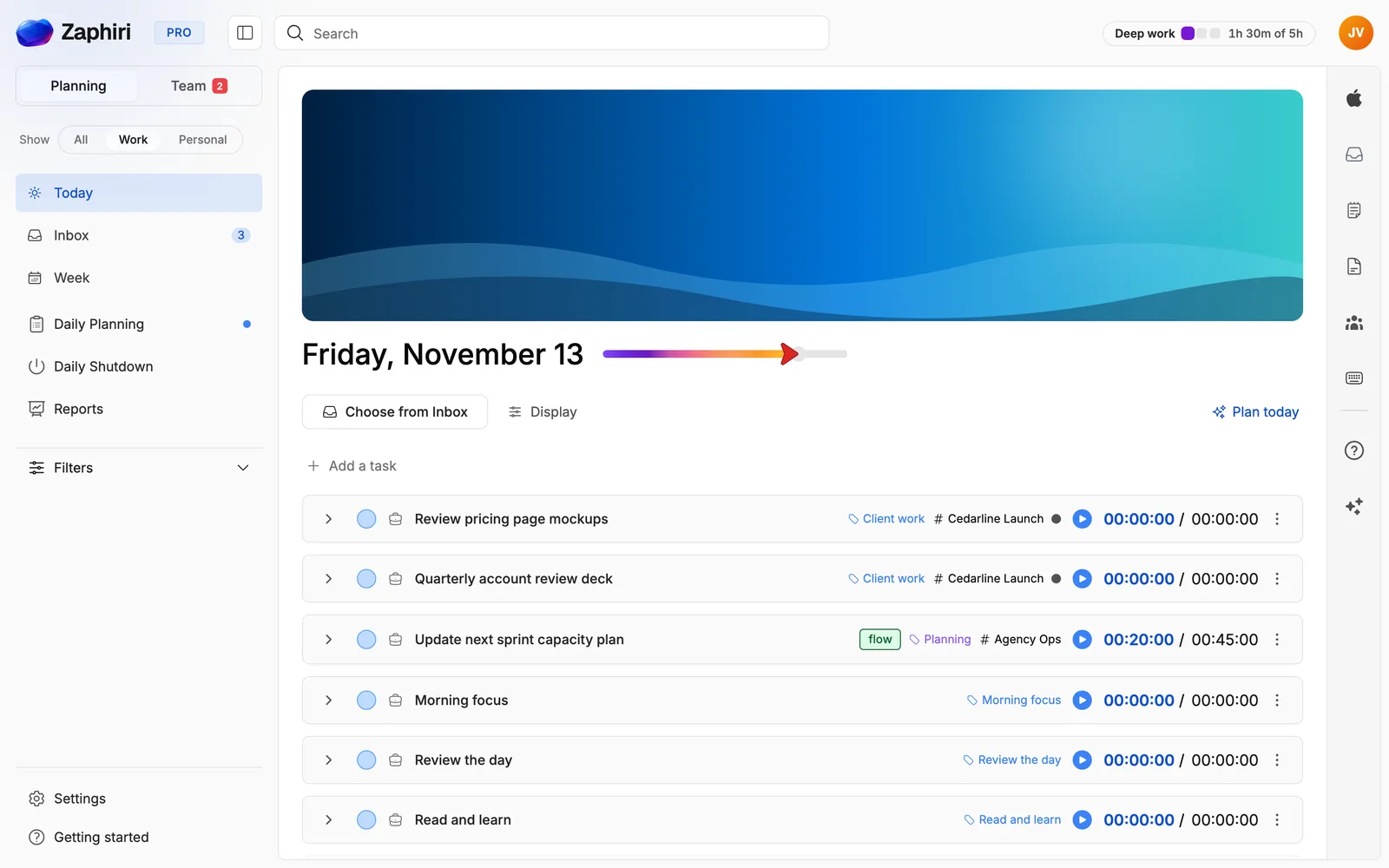
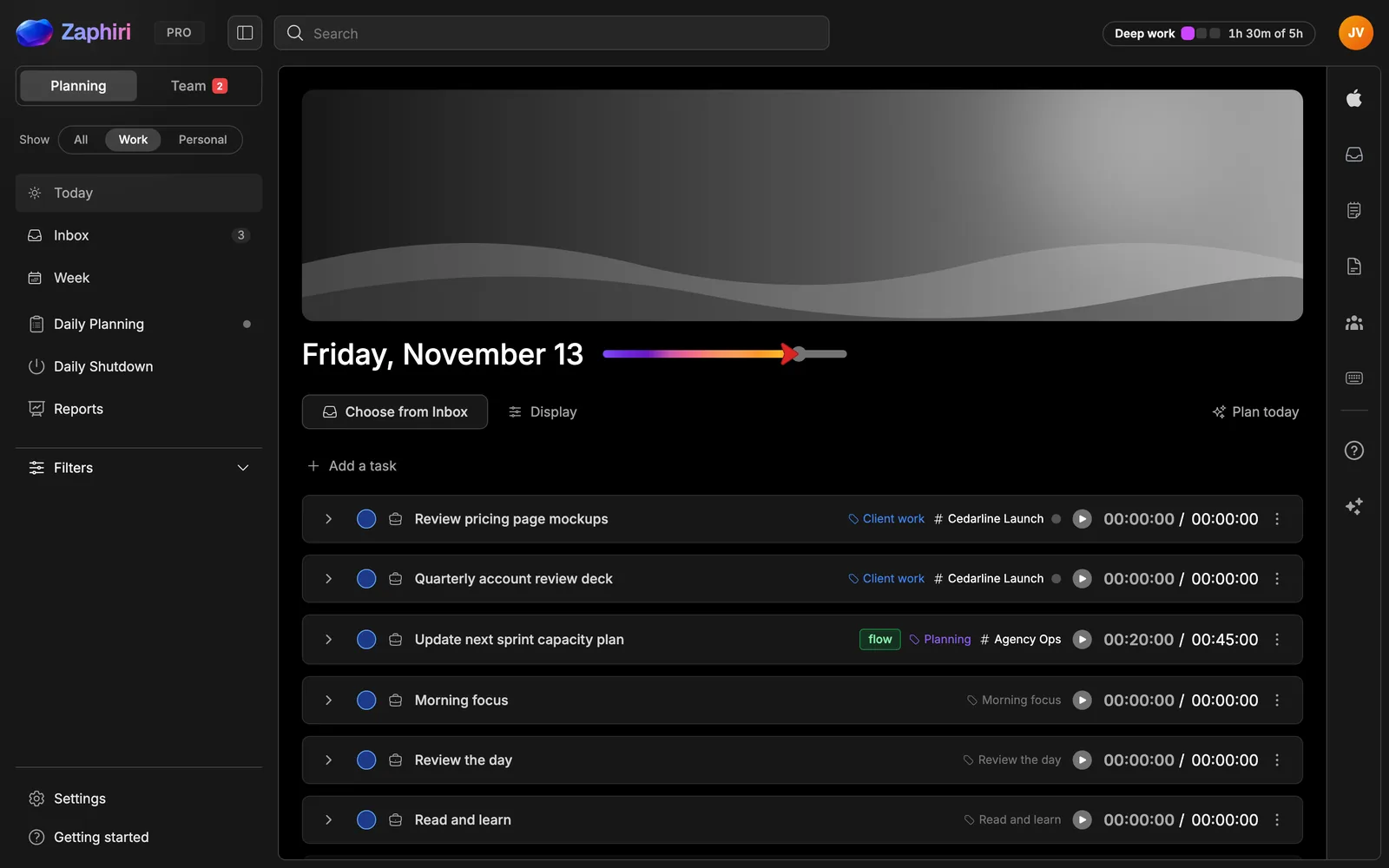
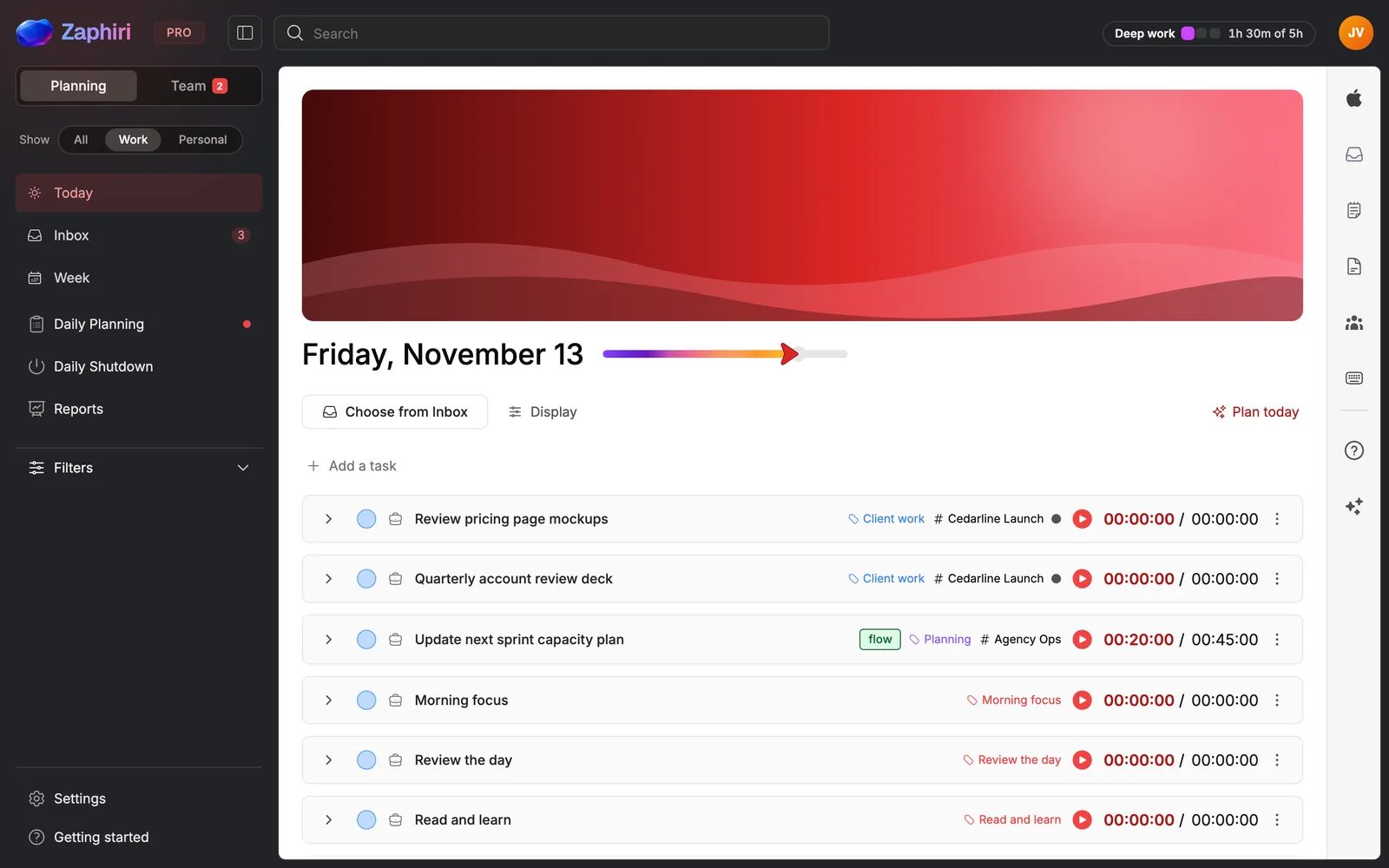
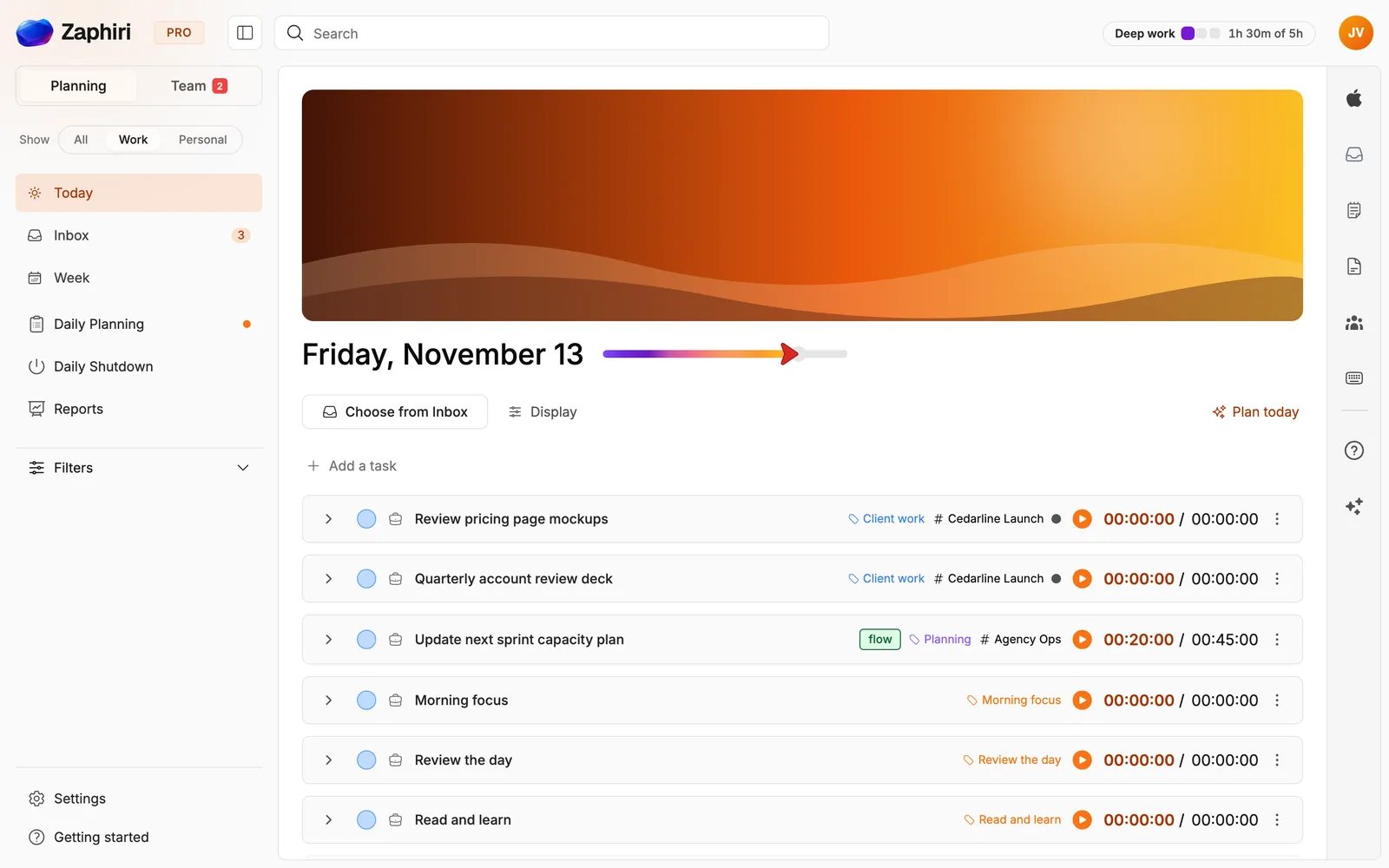
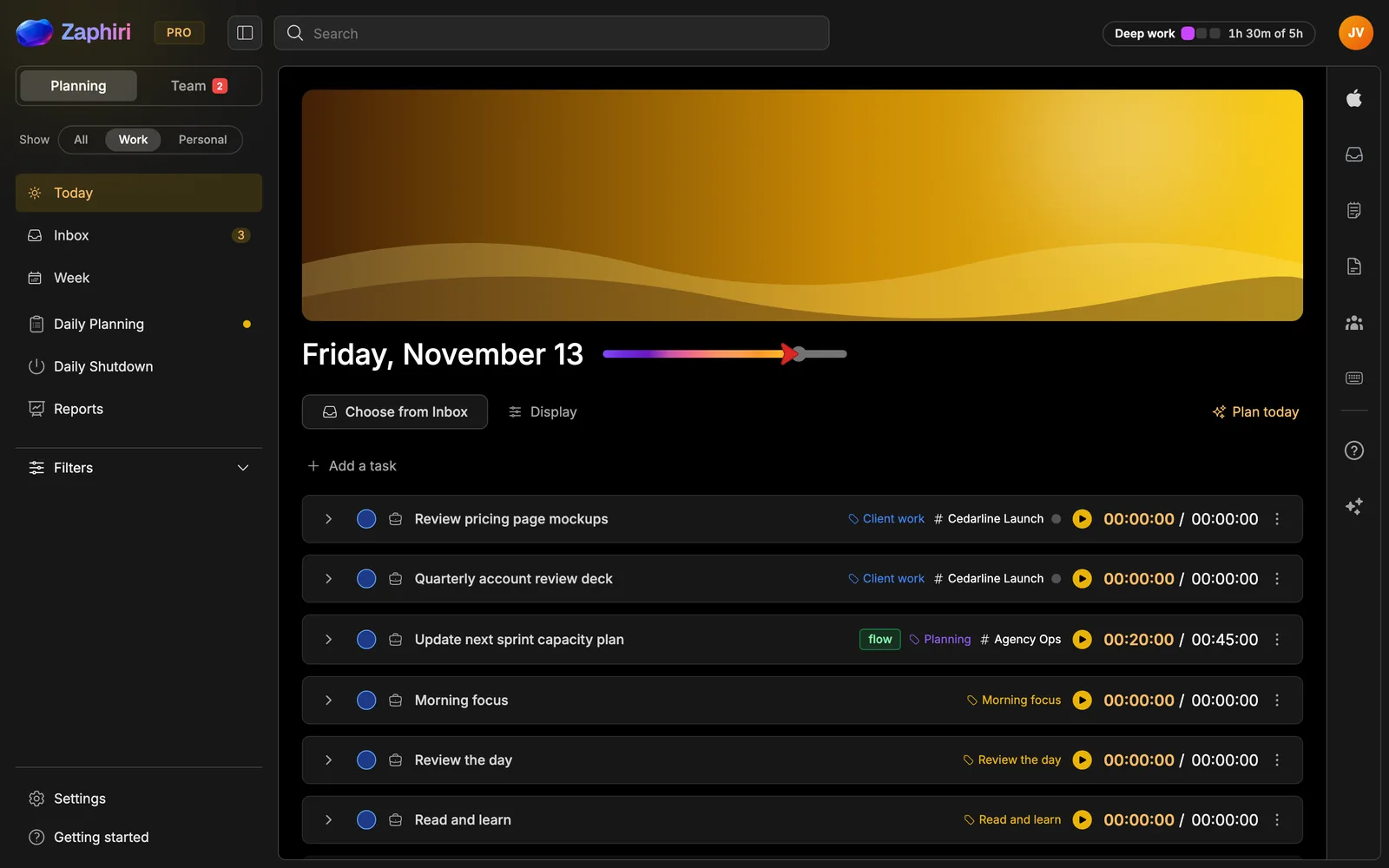
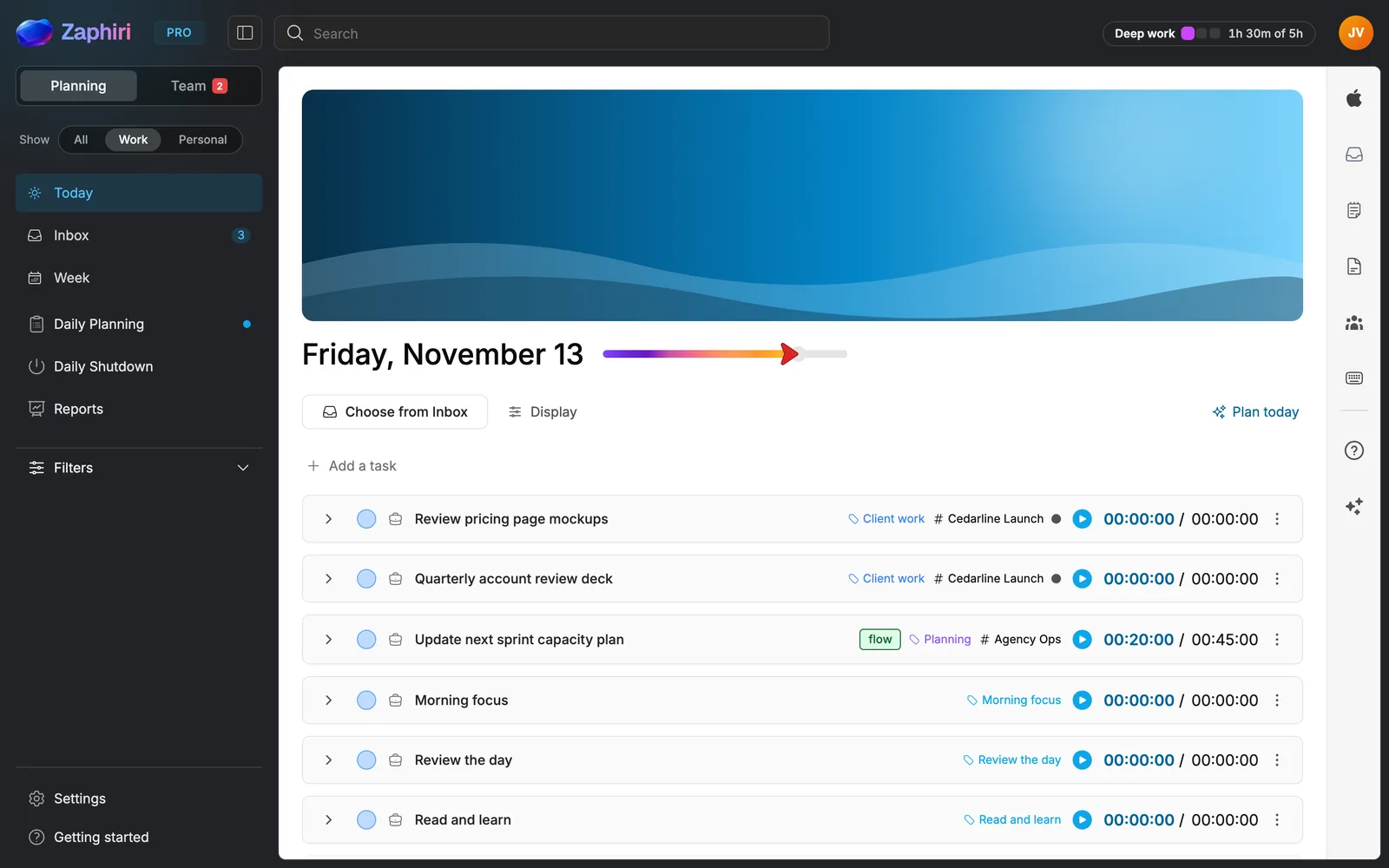
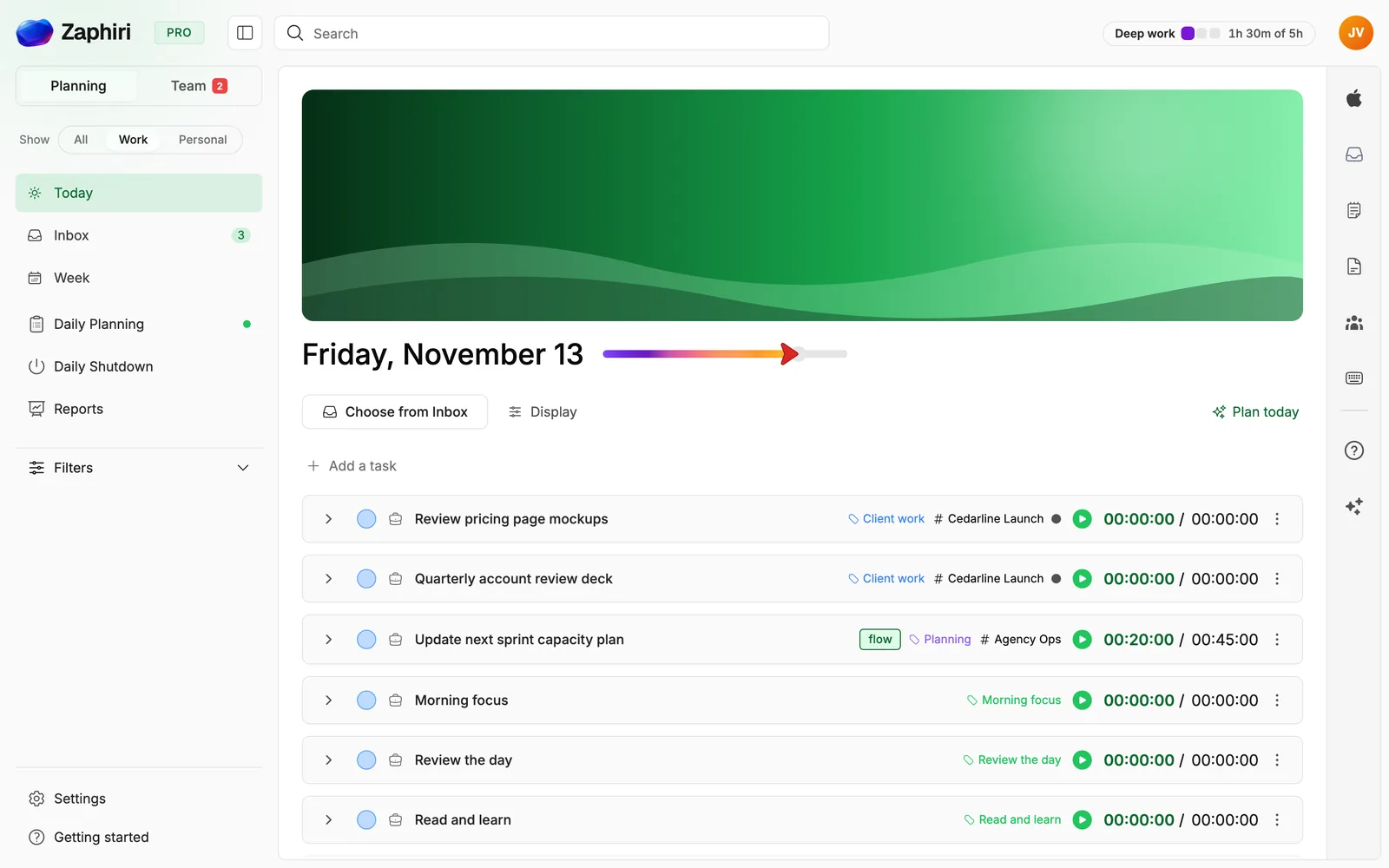
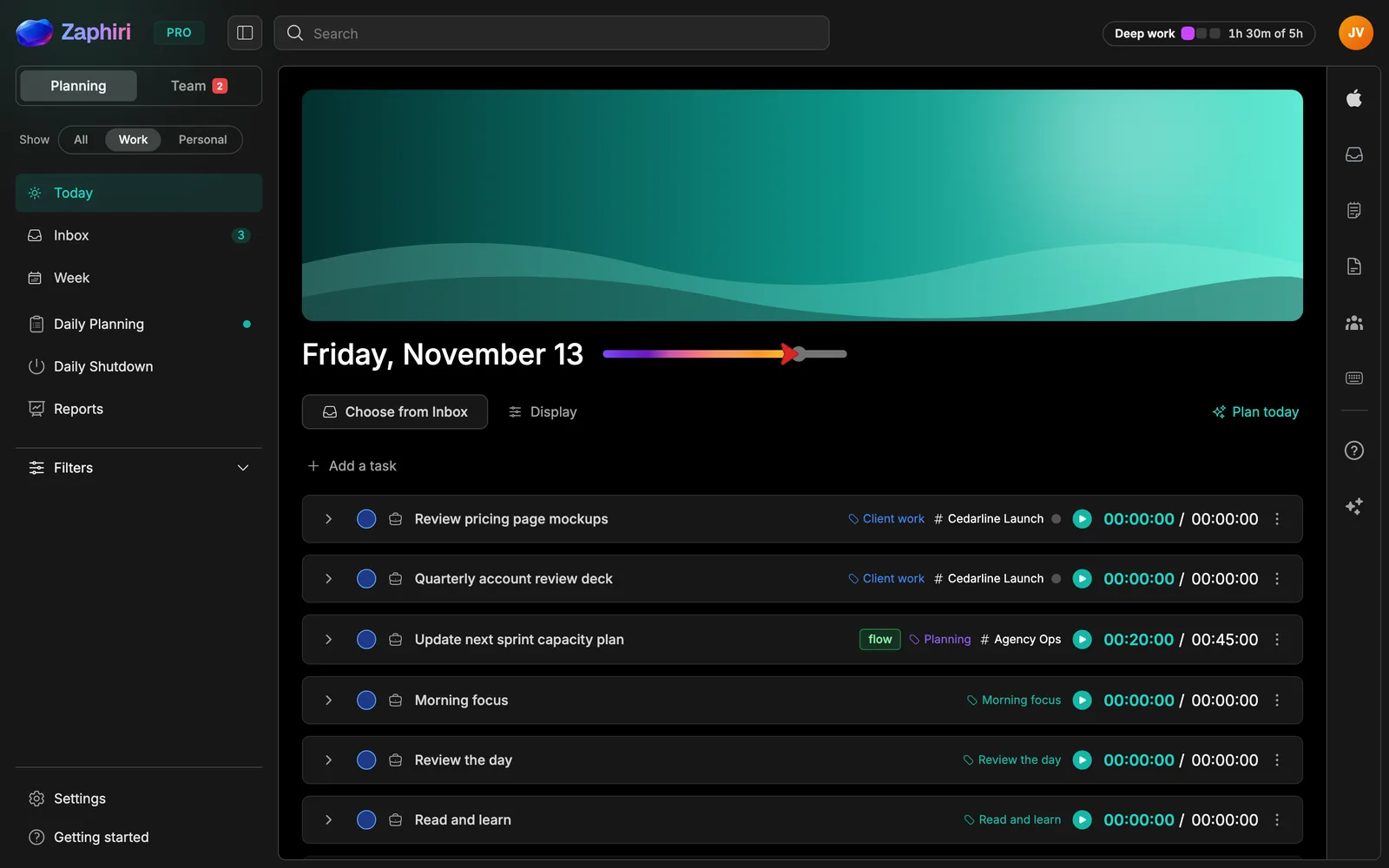
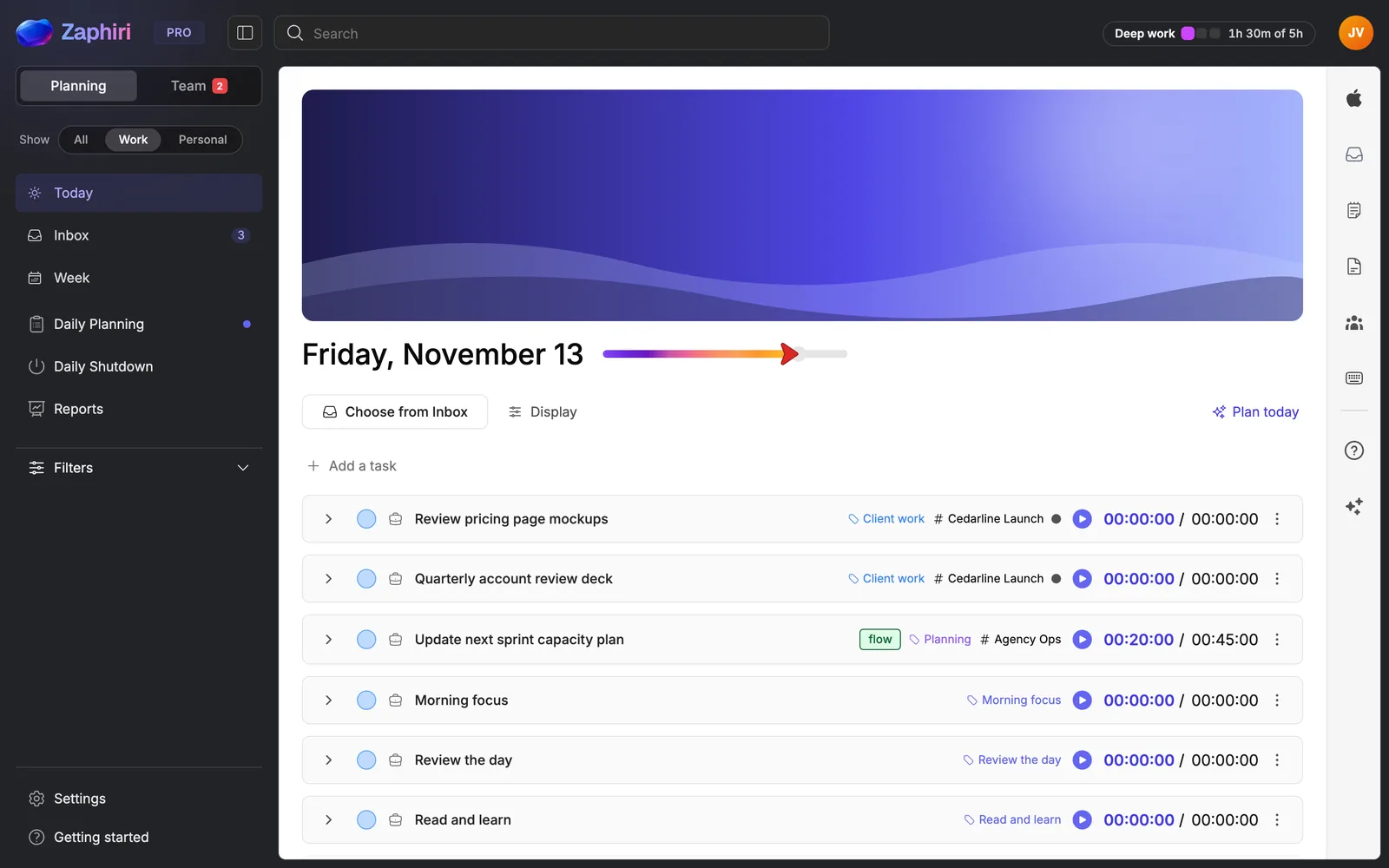
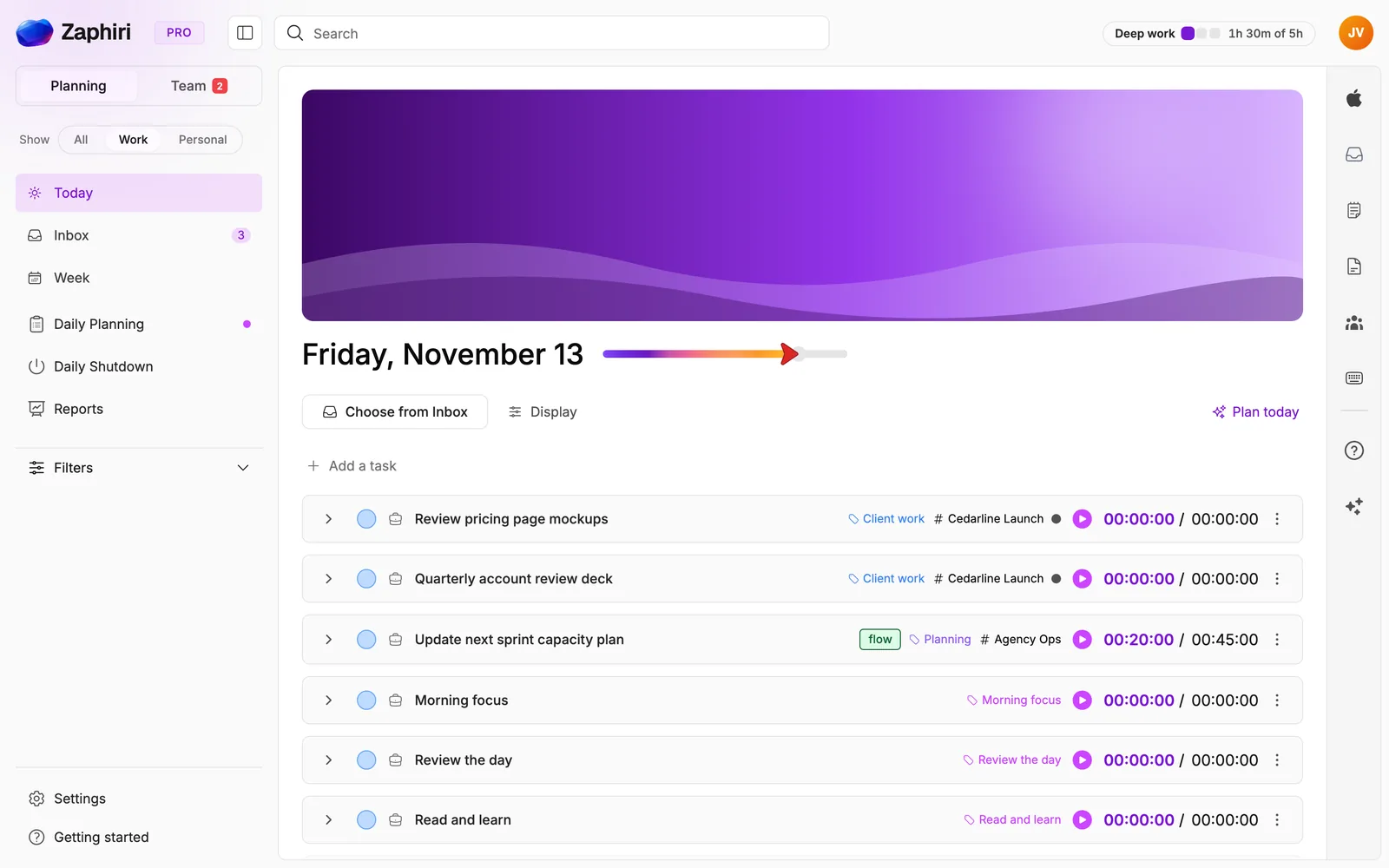
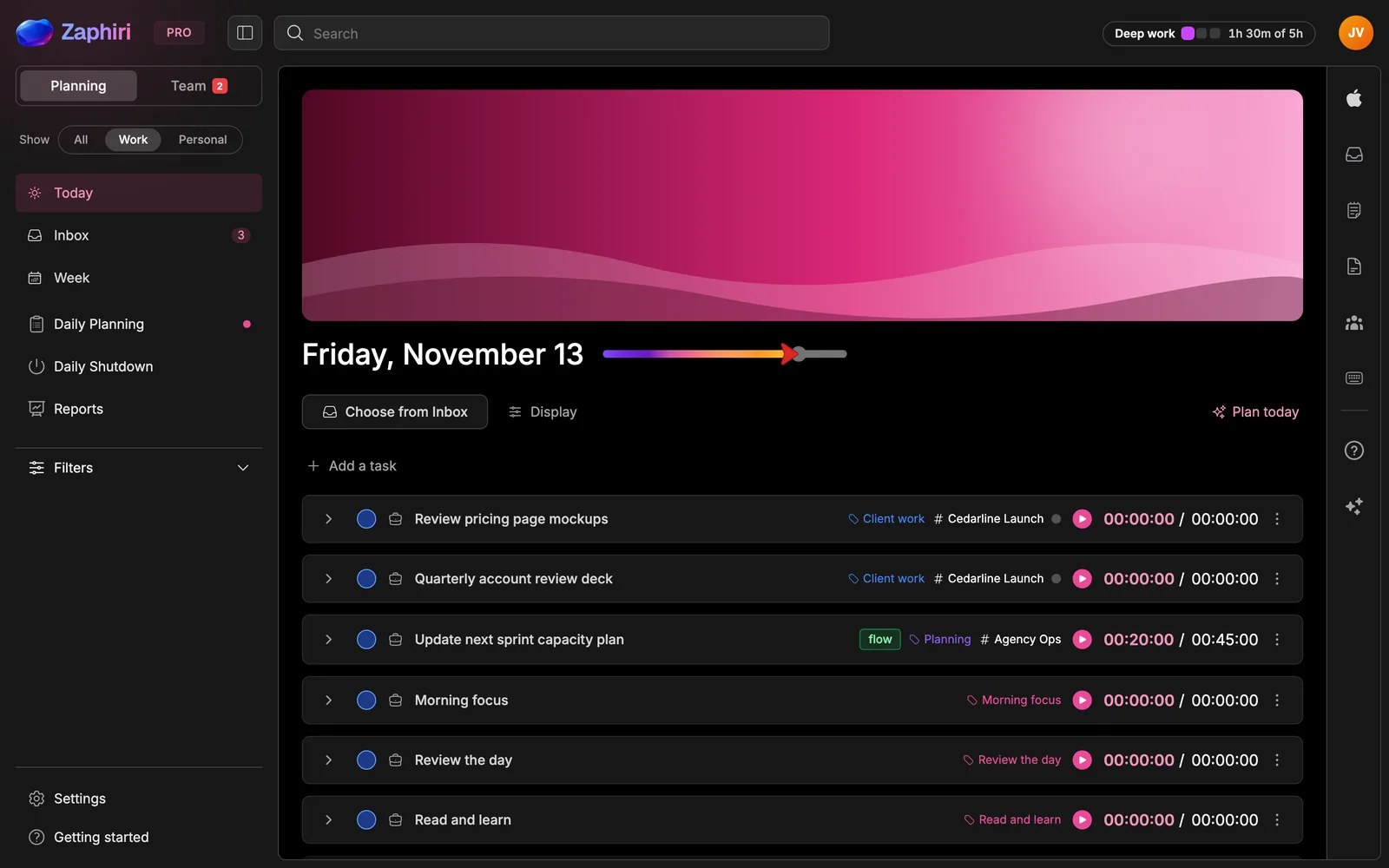
Connected
Your tools, unified. Your day, everywhere.
Zaphiri connects to your calendar, Slack and task tools, the Chrome extension saves any page as a task, and any email you forward becomes one. It reads what it needs to plan your day and saves only what you choose to bring in.
- Google Calendar
- Outlook Calendar
- Apple Calendar
- Slack
- ClickUp
- Todoist
- Chrome extension
- 1 Click the Zaphiri icon
- 2 Title and link fill in
- 3 Pick a day, add it
iPhone, iPad, Android and Apple Watch
Plan it at your desk. Do it anywhere.
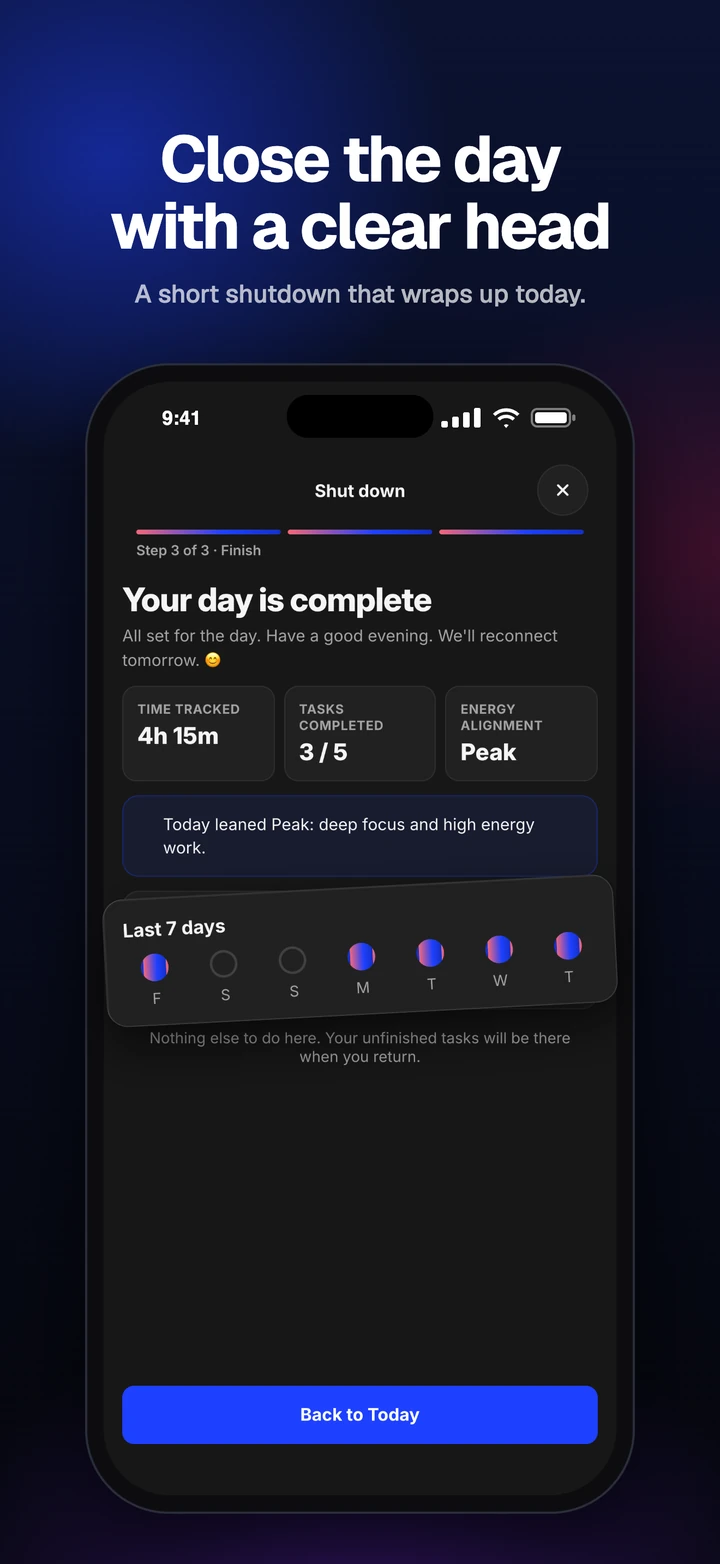
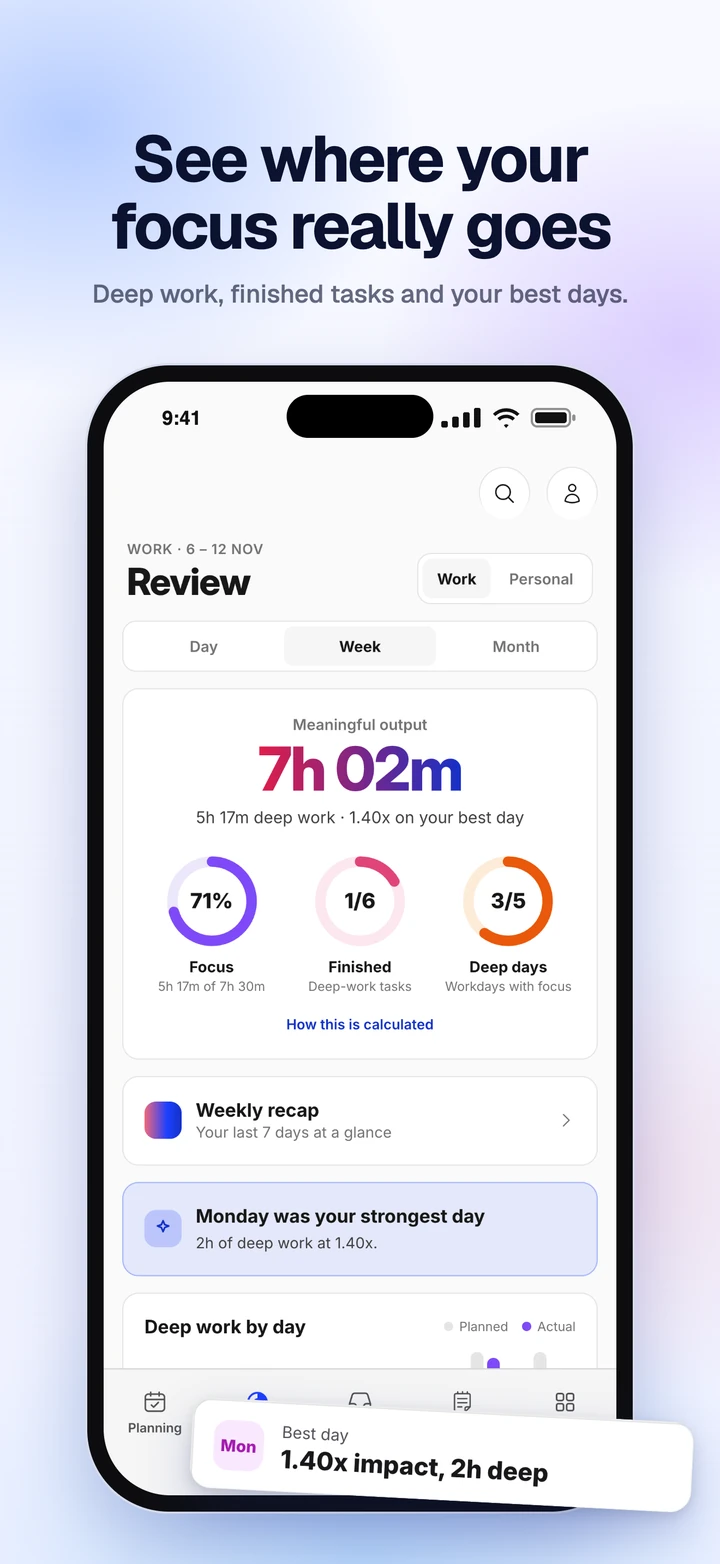
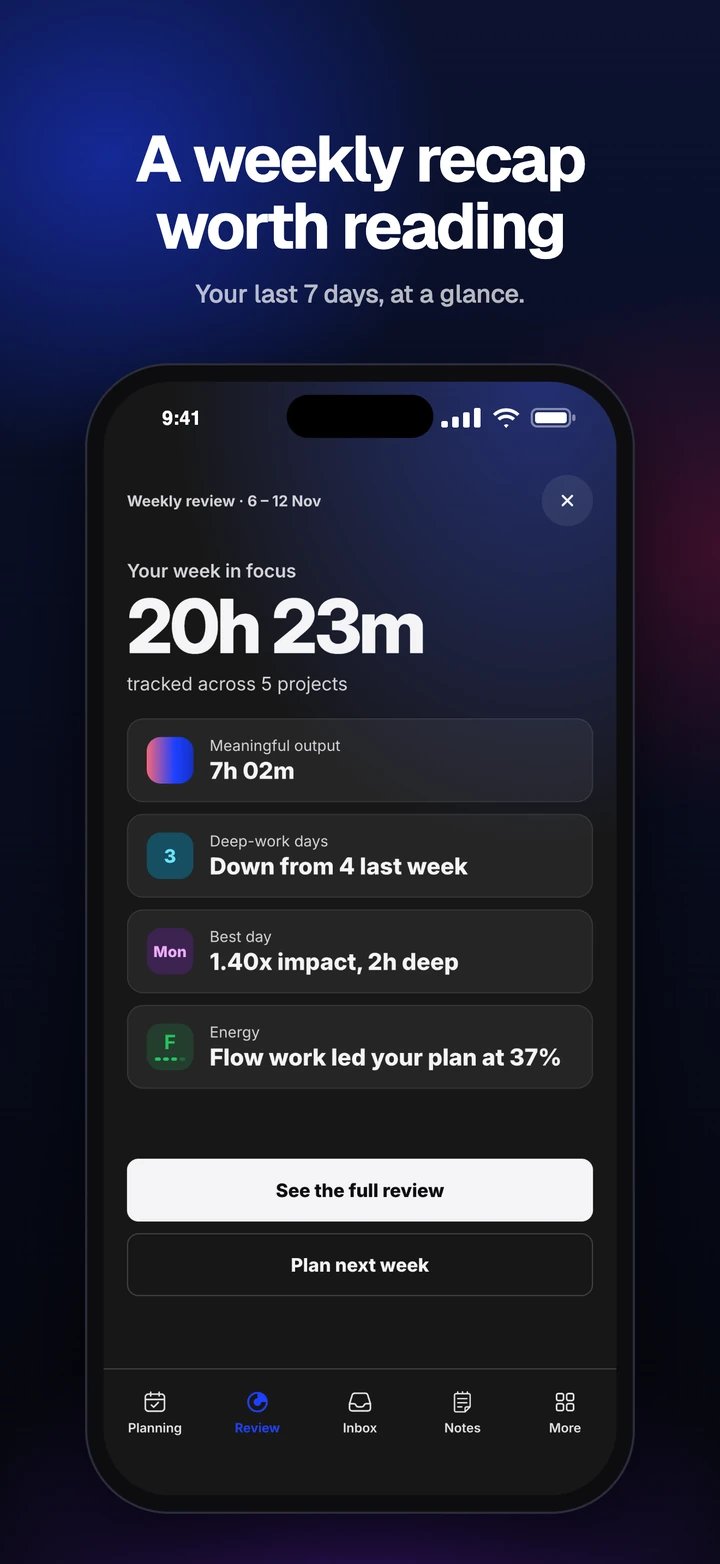
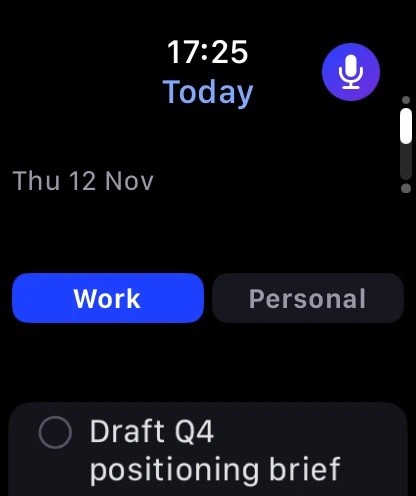
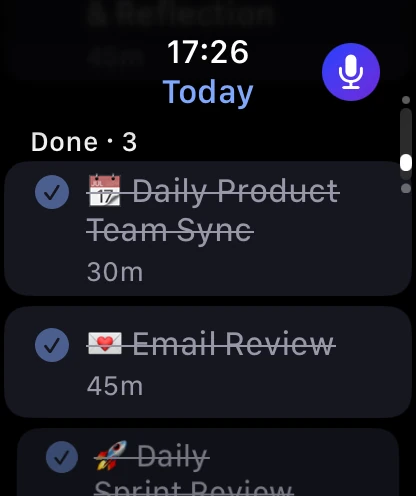
The plan you make in the morning goes with you. Start the timer or add a task by voice from your wrist, close the day when you leave, and get a weekly recap on the day you review your week.

The result
Protect the hours that move your work.
Set a few weekly Deep Work targets, show up for 100 days, and watch focus become a habit.
See the 100-day experiment ›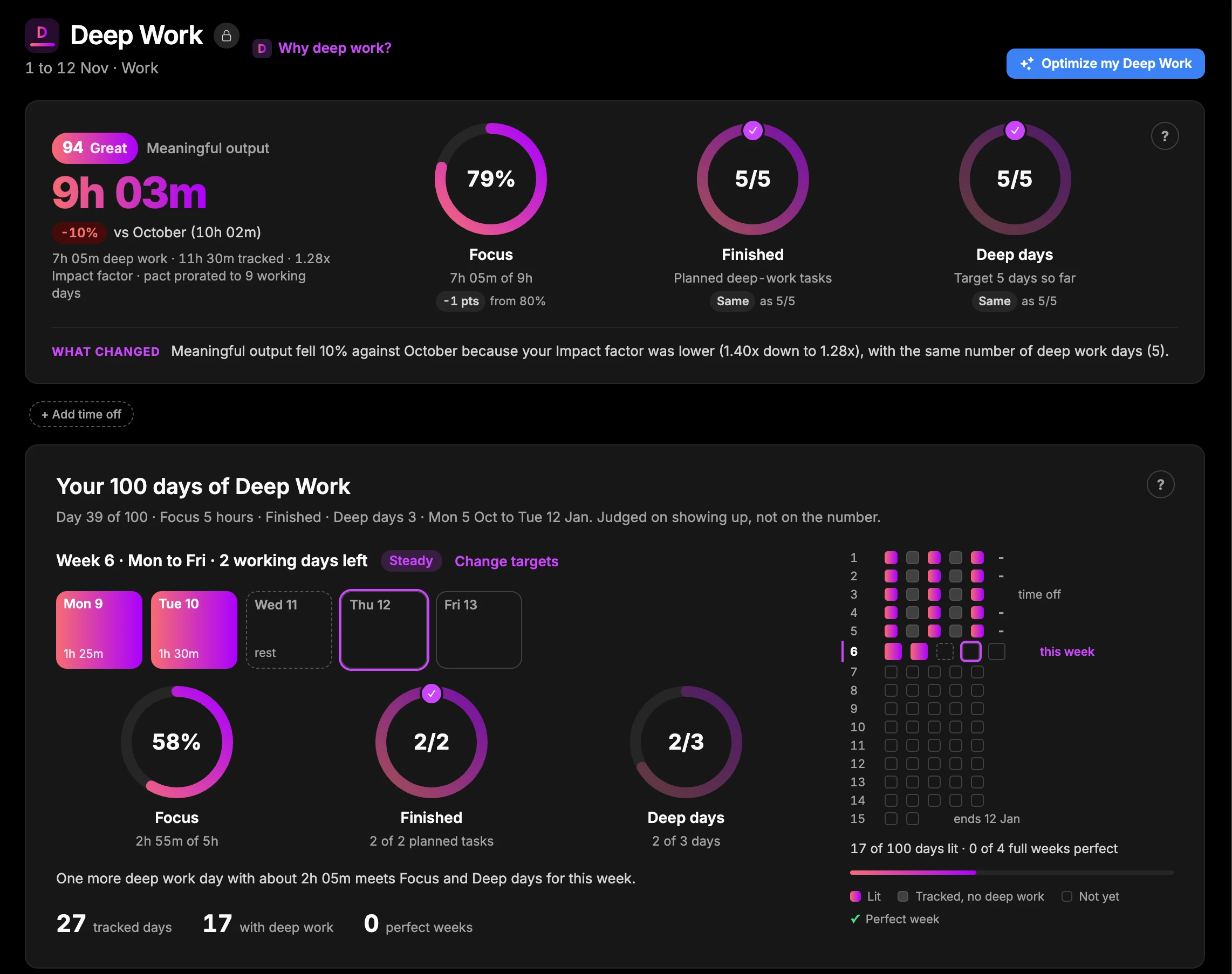
"My days start with coffee and Zaphiri, a 5-minute reality check on what really matters. I can actually see big projects moving instead of stalling week after week."
"It replaced Trello for me. Lightweight enough to throw something on in seconds, but with advanced functionality I actually use."
"The energy-optimized schedule changed how I structure my most important work. I'm more focused and finishing what actually matters."
"You've hit on exactly what I coach executives on every day: how do you free your head up for strategic work?"
Team Projects
Bring your team into your day.
Your team shares one project for the work. Each person still plans their own day, and progress syncs back.
For your organisation
Give your team's important work its best hours.
Start a Team plan today, bring Zaphiri to a department with our help, or work with a partner who knows your sector. When your organisation needs its own environment, we scope a private pilot with you.
Why Zaphiri
Built different, by design.
Not another task list, and not a heavyweight project suite. One place where shared work becomes each person's realistic day.
-
Your day, not a backlog
Zaphiri plans the hours you actually have, so the list you start the morning with is one you can finish.
-
Energy before time
Every task carries the energy it needs: Peak, Flow, Steady or Recharge. Demanding work comes first.
-
Shared work, personal days
Team Projects hold the shared work. Each person brings their part into their own Today, beside everything else they have to do.
-
Honest about what happened
Time tracking and planned versus actual are built in, so reports show where the hours went, not where you hoped they would.
-
Work and personal, kept apart
One switch separates work from personal. Your personal tasks stay private to you.
-
Hosted your way
Use it in our cloud today. If your organisation needs its own environment, we scope a private pilot with you.
Questions, answered.
Neither, exactly. Zaphiri is a daily planner: your tasks, calendar, notes and habits come together in one plan for today. When work is shared, Team Projects add a board for the team, and each person still plans their own day.
Your best hours, back.
Your best hours, on the work that matters. For you and your team.